Recently, as you read on my previous post, I've built my new website using Zola. Yesterday I've tried to deploy it to github pages using the instructions on the official page (archived)
Note: The webpage has been updated! See official page.
I've used the instructions of this Github action but unfortunately it did not work well and my website bloke, displaying a 404 error:
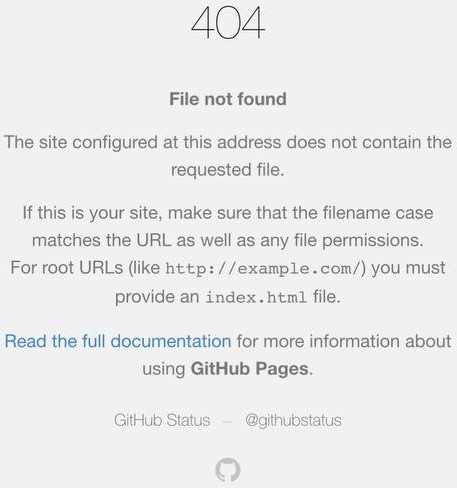
This was my original .github/worklows/main.yml file:
on: push
jobs:
  build_and_deploy:
    runs-on: ubuntu-latest
    if: github.ref == 'refs/heads/main'
    steps:
      - name: 'checkout'
        uses: actions/checkout@v4
      - name: 'build and deploy'
        uses: shalzz/zola-deploy-action@master
        env:
          # Target Branch
          PAGES_BRANCH: gh-pages
          TOKEN: ${{ secrets.GITHUB_TOKEN }}
But it needed to be updated with the following lines
permissions:
  contents: write
and limit the execution of the action only when I uploaded code to the main branch. The new version is much more clean:
on:
  push:
    branches:
    - main
permissions:
  contents: write
jobs:
  build_and_deploy:
    runs-on: ubuntu-latest
    steps:
      - name: 'checkout'
        uses: actions/checkout@v4
      - name: 'build and deploy'
        uses: shalzz/zola-deploy-action@master
        env:
          # Target Branch
          PAGES_BRANCH: gh-pages
          TOKEN: ${{ secrets.GITHUB_TOKEN }}
I also made sure to give Github actions the permissions to write to write to the repo:
inside the repo go in Settings -> Actions -> General, I checked allow michele13 actions and reusable workflows (michele13 is my username) and enabled read/write permissions on Workflow permissions.
I kept disabled the option: Allow GitHub Actions to create and approve pull requests.
After pushing the code to the main branch I let the action run, then I went again into my repo Settings -> Pages. I selected Deploy from a branch, chose the gh-pages branch, selected / (root) as folder and clicked Save.
Now it's finally working!